A Saudi business system · ZATCA-compliant

Every riyal in your business,
on a clear path.

From the till to the financial statements: DOX ties sales, stock, payroll and accounting into one system, with controls that stop the mistake before it happens.

E-invoicing for both ZATCA phases Unlimited branches No card for the trial
ZATCAE-invoicing, both phases
15%VAT built in
GOSIGOSI in the payroll run
Labor LawEnd of service per Art. 84, 85, 77
The riyal's path

A sale in the branch reaches your statements with no re-entry.

Each step hands over to the next inside the same system: no side spreadsheets, no conflicting numbers.

١

A sale at the till

An invoice with its seller and payment method, and a discount within the cap.

٢

Daily closing

The branch supervisor reconciles cash and records branch expenses.

٣

Stock moves

Balances drop with the sale, and transfers are received by the supervisor.

٤

Accounting & tax

Entries, the tax invoice and the VAT return from the same source.

٥

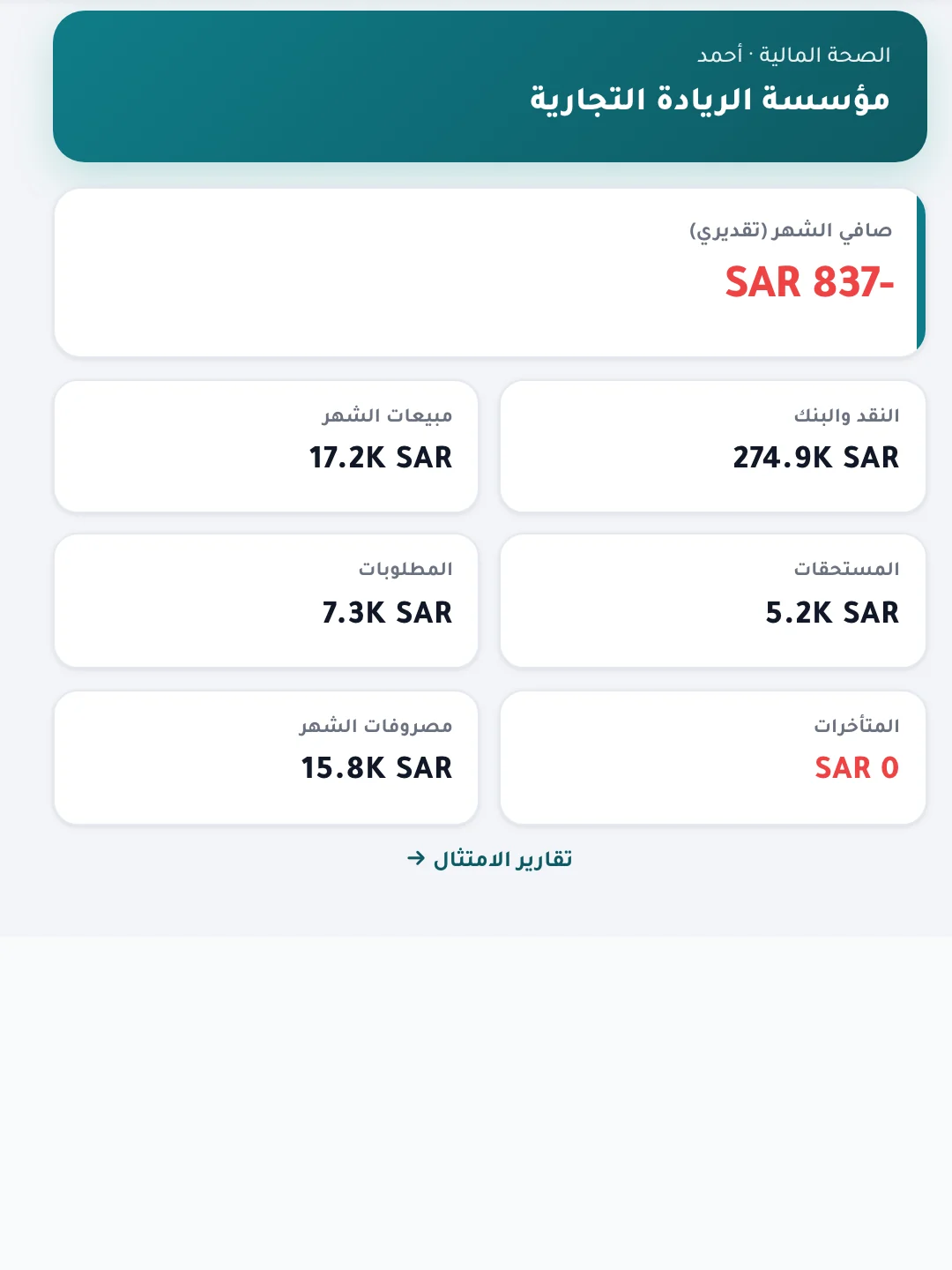
The owner's board

Cash, receivables, payables and the month's sales on one screen.

Controls built into the system

It doesn't run on good intentions. It runs on controls.

What an auditor and a finance manager ask for — segregation of duties, approval and a recorded trail — sits in the workflow itself.

Point of sale
5%

A cashier discount cap you set

Any discount or price change needs a written reason, and anything above the cap passes only with the supervisor's code. The default cap is 5% and you change it in settings.

Payroll

A salary or IBAN change never takes effect alone

The change stays a pending request until a different user with the approver role approves it, and every request and decision is kept in a log.

Sales

A seller on every invoice

Payment can't complete without choosing the seller, so each seller's sales report is right.

Stock

Receiving belongs to the receiving supervisor

Only the receiving branch's supervisor receives a stock transfer or returns it.

Payroll

Whoever prepares does not approve

One user prepares the payroll run and another approves it; cancelling needs a written reason.

Branches & access

Each branch sees only its own accounts and warehouses

Ready job positions set who sees and does what, with one screen for users, approval flows and audit.

Sign-in

Each role has its own door

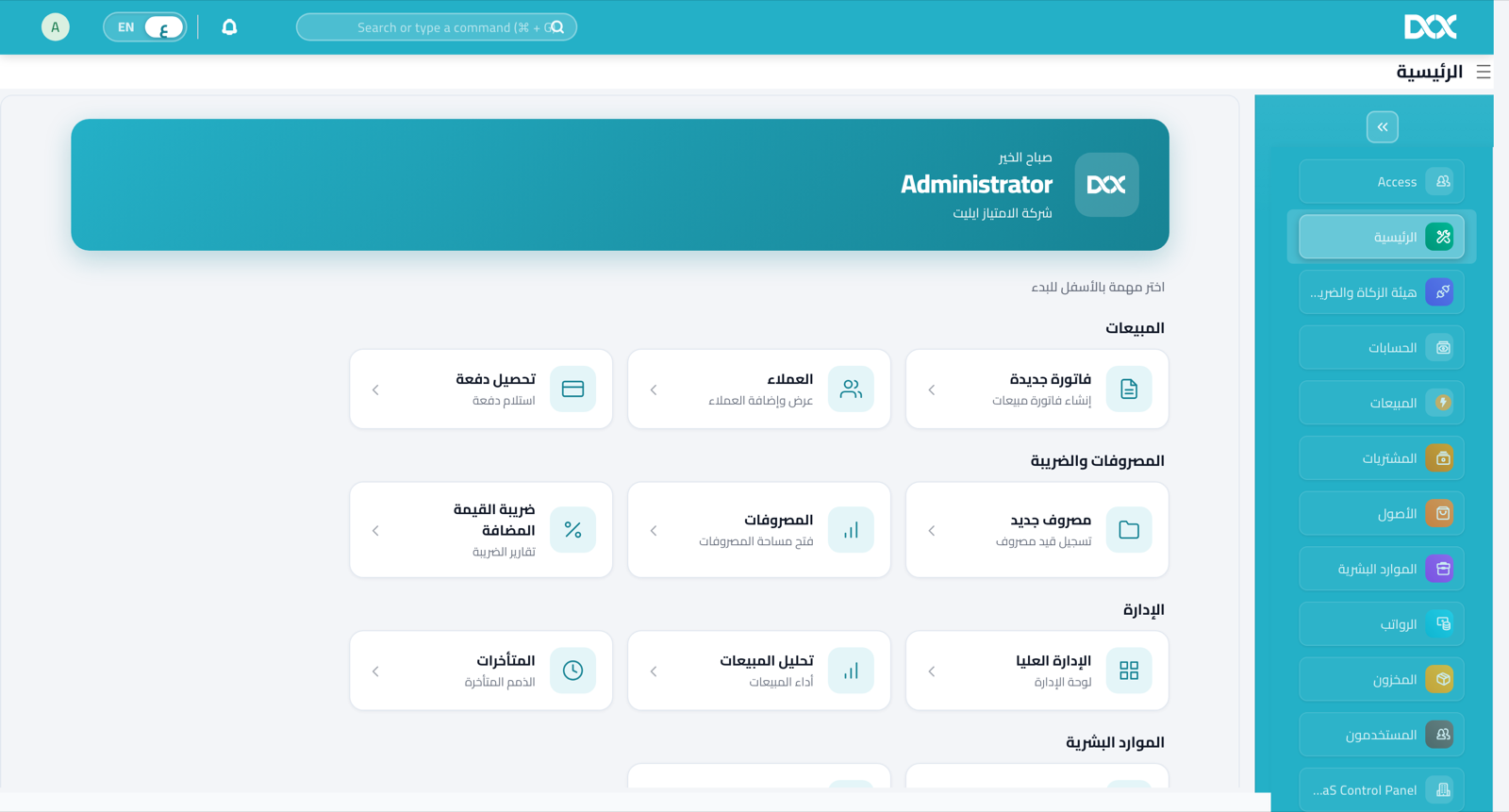
The cashier lands straight on the till; others pick their app from one screen.

DOX apps

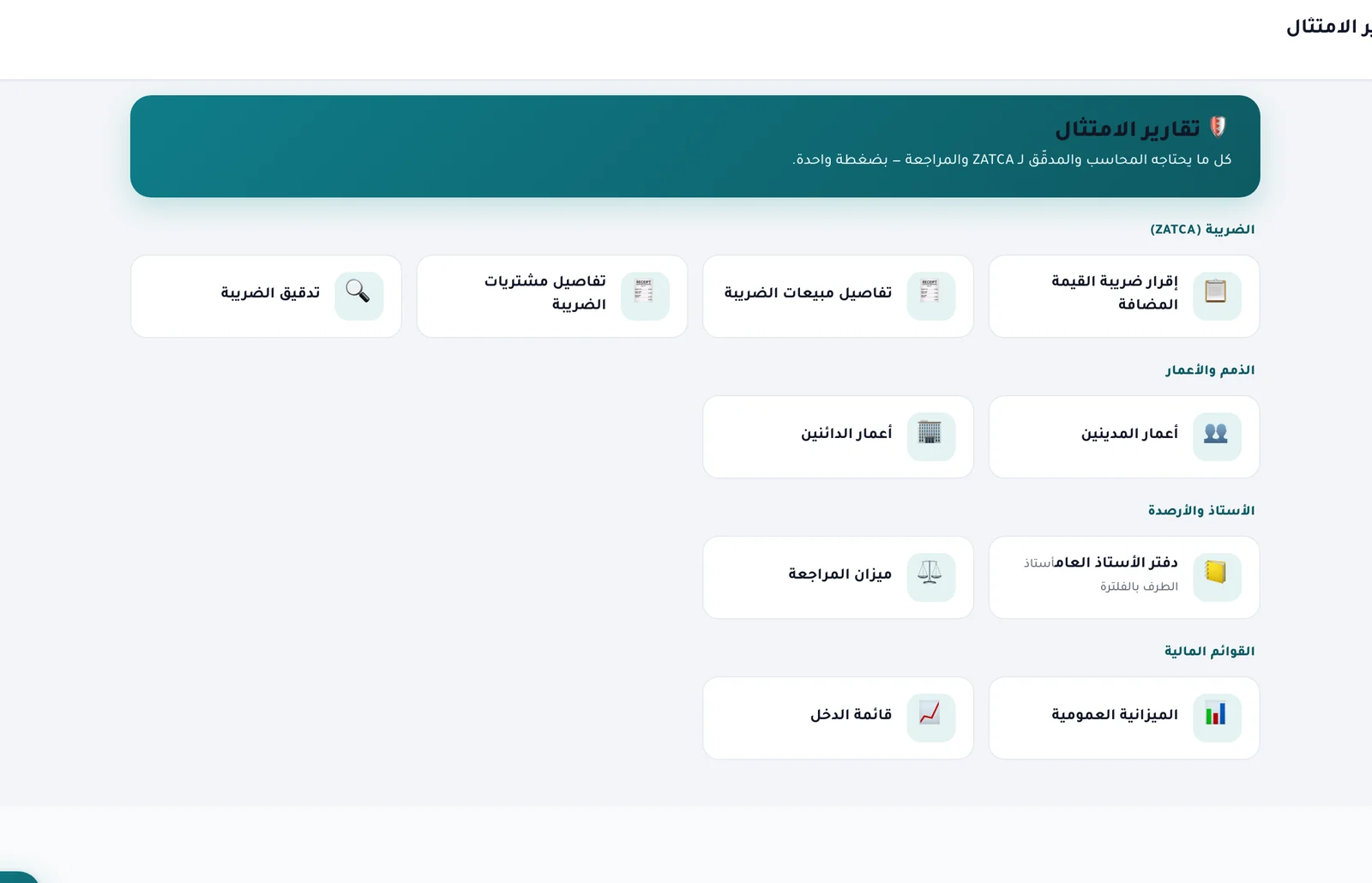
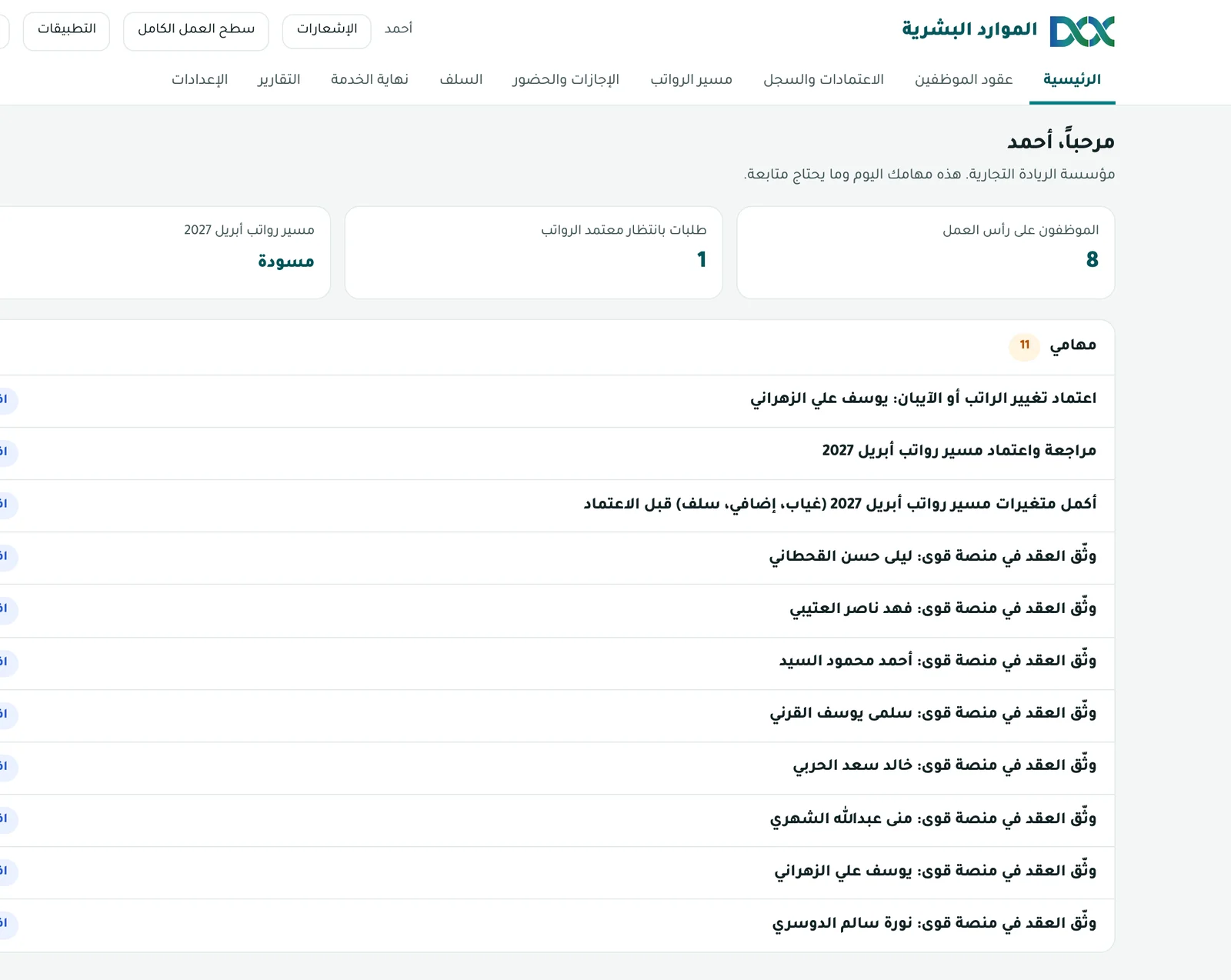
One core system, and apps you add when you need them.

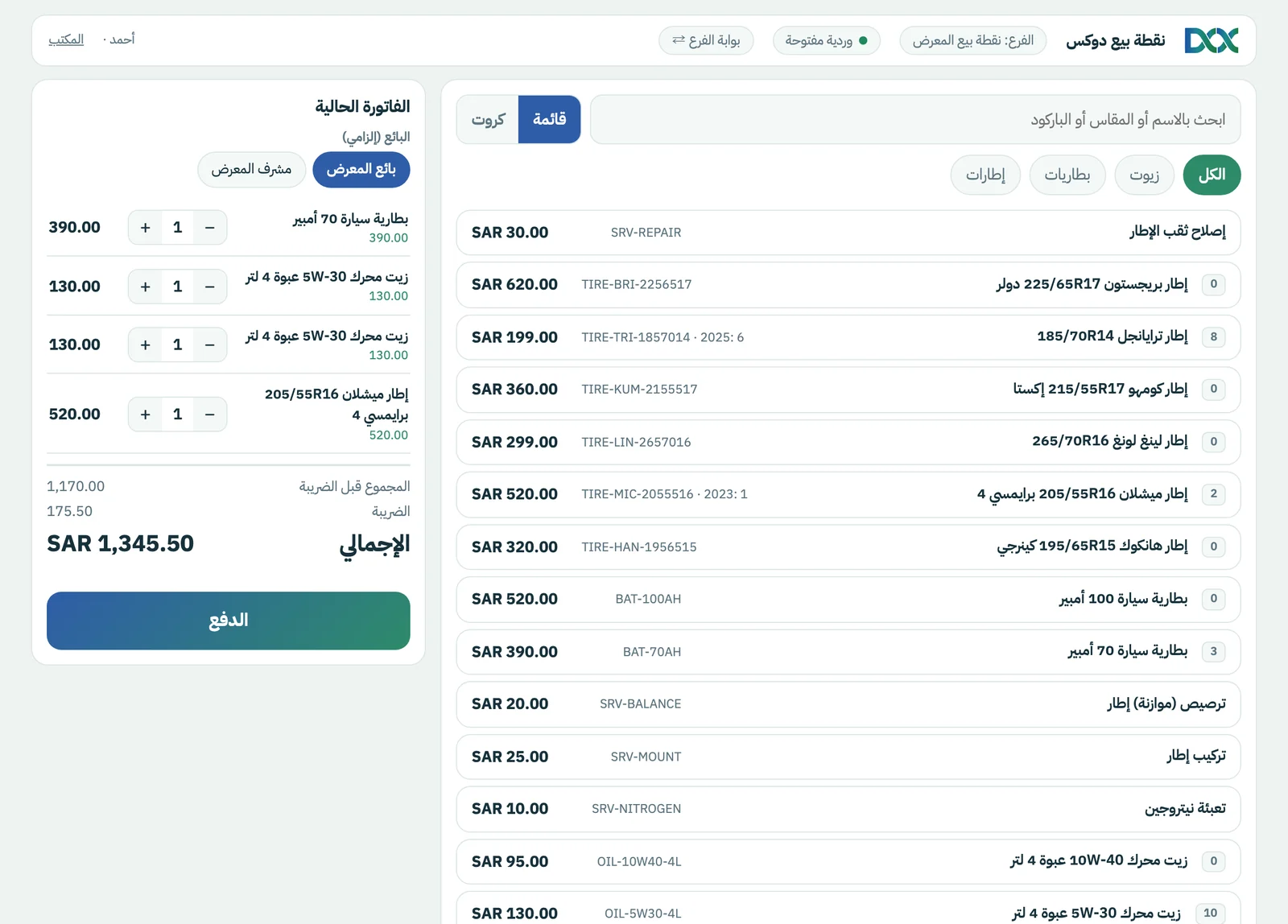
Every capture is the system at work, with sample data.

Sector solutions

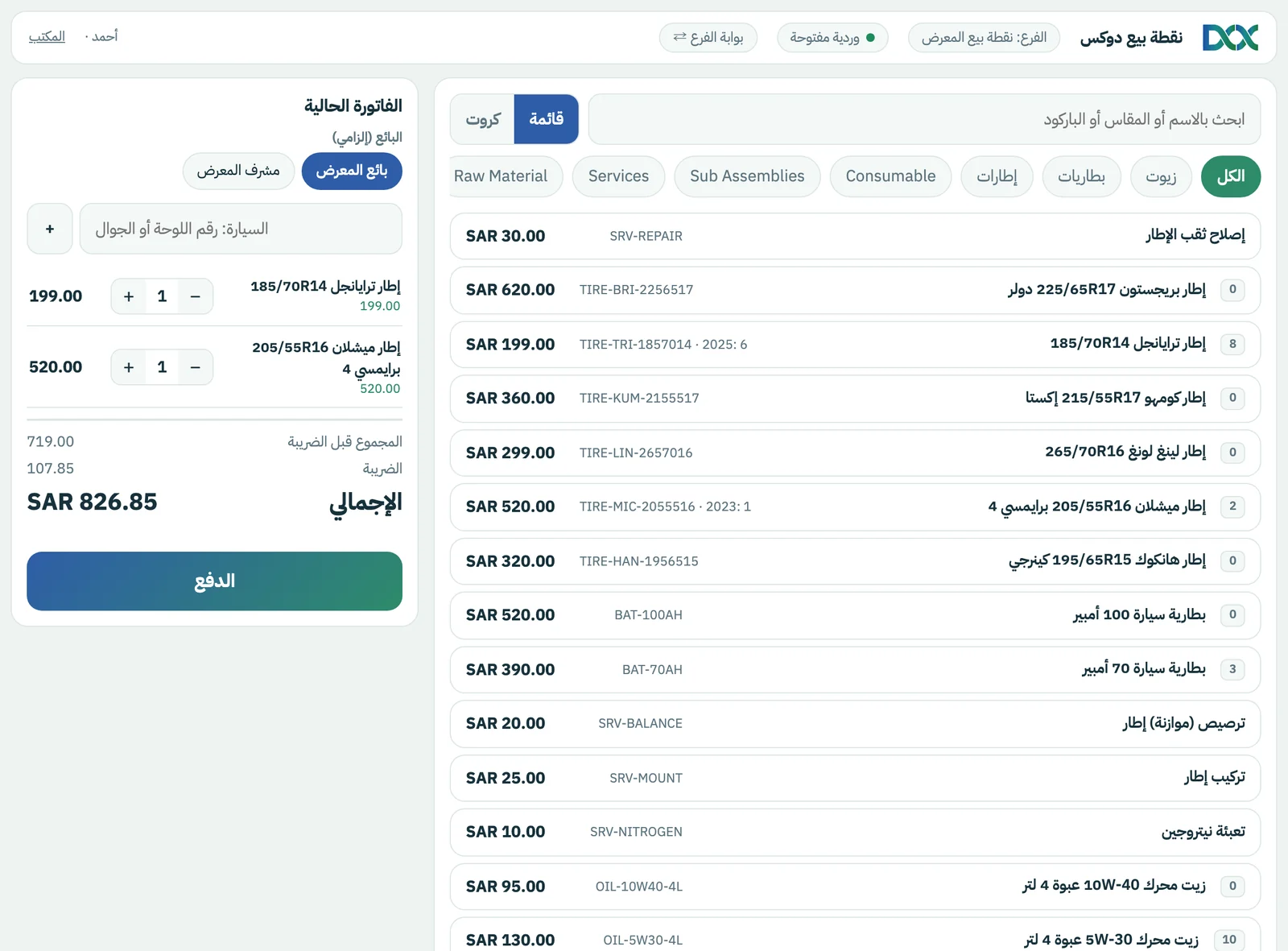
A till that knows your trade: tire shops first.

On top of the general till we build an extension per sector. The first is DoxTires, for tire shops.

  • A vehicle record by plate or mobile number, linked to the invoice.
  • The tire's production year shown to the cashier, with the quantity available per year.
  • An invoice with a service can't complete without the vehicle.
DoxTires
Pricing

You pay for the size of your business, no more.

DoxERP is the core, and you add what you need. POS is one flat price with no limit on users or branches, and HR is priced by employees.

Work out your subscription

Pick the apps and enter your numbers; the total updates at once.
Extra accounting users
0
Hosting
Billing cycle
Total0 SAR
Prices are in SAR and exclude 15% VAT, which is added on the invoice. Management dashboards are included free.

Create your free account

14 days free · no card · we review your request, then set up your workspace.
.doxerp.com
+966
No card needed during the trial.
FAQ

What owners ask before subscribing.

Is DOX ZATCA-compliant?
Yes. E-invoicing for phases one and two with QR, and we help you connect during setup.
How many branches can I open?
Branches are unlimited. And POS is one flat price that doesn't change with the number of branches or of its users.
Can I add an app after subscribing?
Yes, at any time, and you pay only for what remains of your subscription period.
What if my employees outgrow my HR tier?
Your work doesn't stop. The system alerts you and offers the upgrade to the next tier for the price difference over the remaining period.
Where is my data hosted?
EU hosting is free; in-Kingdom hosting is a paid add-on whose price shows in the calculator above.
How do I pay?
Yearly or quarterly. You pay your DOX subscription through the Moyasar gateway (mada, Apple Pay, cards) with auto-renewal.
How long is setup?
Usually the same day. We review your request, set up your workspace and help you migrate data and issue your first invoice.

Try DOX on your own business for 14 days.

No card, and we help you set up and issue your first invoice.

Build your bundle and start →